
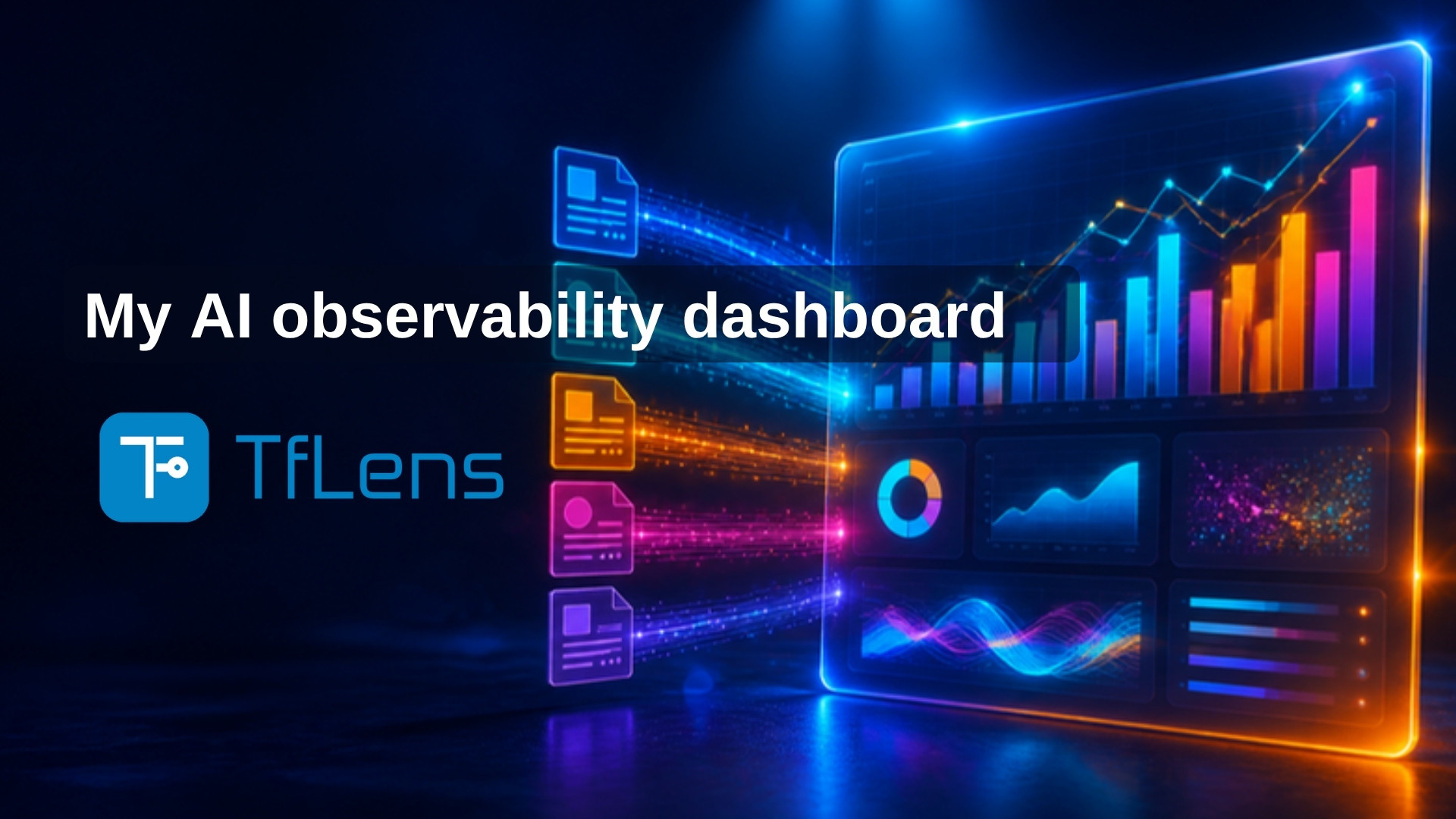
TfLens: My AI Observability Dashboard
I build software with AI coding agents, and every run costs tokens or dollars. TfLens is the dashboard I built to see where that money goes: per project, per phase, per model, per tool. It reads the five metrics files TechieFlow writes into every repository and turns them into nine pages: coverage, gate outcomes, harness comparison, routing and economics, misses and rework, phase effort, price providers, snapshot export. Free, live at tflens.techierathore.com, with every number next to the file it came from.
I build my software with AI coding agents. An agent takes a task, writes the code, runs the tests and reports back. Every agent runs through TechieFlow, the framework I wrote that gives each agent its task, its checks and its rules.
Every one of those runs costs money. On a subscription it costs tokens from a monthly allowance; on a metered plan it costs dollars. After a few months of building this way I had questions I could not answer:
- What does AI-first development actually cost, per project and per phase of a build?
- Which model is cheaper for the same work, and which one produces fewer bugs for the money?
- Does the framework behave the same whichever tool runs it: Claude Code or OpenCode?
- Where does the budget go: writing the code, verifying it, or fixing what the verifier missed?
The agents already leave a record of every run. What was missing was a way to read those records as reports. TfLens is that dashboard. It is live at tflens.techierathore.com, it is free, and anyone who builds with TechieFlow can sign in and see the same reports for their own projects.
The records the agents leave behind
Every agent run ends by adding one line to one of five files. The files live in the project's git repository, in docs/metrics, and are committed with the code. That is deliberate: the record travels with the project, and anyone who has the code has the record.
| File | What one line records |
|---|---|
runs.jsonl |
the command that ran, the model, start and end time, and the output tokens the model wrote |
gates.jsonl |
one verdict for one requirement from one check: Verified, Needs re-verify or FAIL |
misses.jsonl |
one thing an agent got wrong: who found it, which phase let it through, and what the fix cost |
sessions.jsonl |
one agent session: how long the window was open and what it consumed |
commits.jsonl |
one git commit and the requirements it touched |
TfLens reads these five files and nothing else. It never writes to a repository, and nothing can push data into it. You connect a public GitHub repository and it fetches the files on a schedule; for a private repository you upload the docs/metrics folder, or a zip of it, and get the same reports.
What is on the dashboard
TfLens has two set-up pages and seven report pages. Each report answers one question.
Repos. Where you connect the repositories TfLens reads, by GitHub fetch or by file upload. Nothing else works until this page has a source.
Price providers. The price list every money figure comes from: for each provider (Anthropic, OpenAI, OpenCode Go, OpenRouter), the published rate per model for input and output tokens, where that rate was read from, and when it was last checked. Money on TfLens is always tokens multiplied by a published rate, shown as a list price. The one exception is OpenCode, which reports the cost it measured, and that is shown as measured cost.
Coverage. Is the record itself trustworthy right now? For each repository: when it last synced, which of the five files have records, how fresh they are, and whether a clone has stopped writing records. This is the landing page on purpose. Every other number is suspect until this page is green.
Gate outcomes. The quality page. It answers three questions from the gates file: what share of requirements passed verification at the first attempt; of all the failures, which check caught them; and what share of defects got past every check and reached me. Live figures and figures reconstructed afterwards are shown side by side and never added together.
Harness comparison. Does the framework behave the same whichever tool runs it? One column per tool, Claude Code and OpenCode: how many runs of each command, the verdict mix, session counts, and tokens split into input, output, cache read and cache write. Tokens are compared across tools. Dollars are not, because only OpenCode reports a measured cost.
Routing and economics. Did each run land on the model it was routed to, and what did the mix of models cost? It shows routing drift (the model a run was meant to use against the model that actually ran), tokens by model, and a what-if figure: what the same work would have cost if every run had used the most expensive model observed. That figure is labelled as an estimate on the page.
Misses and rework. What was missed, which phase let it through, and what did the repair cost? Each miss is one row in the misses file. The page groups them by the phase that caused them and the phase that found them, and puts the cost of producing the work next to the cost of correcting it.
Phase effort. What did each phase of a build cost in time, tokens, models and sub-agents? A build phase costs more than a logging phase; that is a fact about what the phases are, not a judgement. Every figure carries its own denominator, because a run whose tokens were never counted is not a run that spent nothing.
Snapshot export. Turns the figures into a dated markdown and JSON file that can be quoted. The file is marked QUOTABLE only when two conditions hold: every number matches a full run of the original shell script on the same data, and every row can be traced to a file that was fetched or uploaded. This check exists because, during the build, a comparison found 155 database rows that came from no file in any repository; they had inflated one project's gate count from 0 to 34. Since then, a row without a source blocks the export.
The numbers it shows today
The demo account reads six of my public projects: Chatur, TechieRag, TrBlazeUI, TechieFlow, TechieBlog and TfLens itself. TfLens's own numbers, read from its own repository:
| What | Number | Source file |
|---|---|---|
| Agent runs | 101 | runs.jsonl |
| Hours the agents ran | 101.5 | runs.jsonl, the duration of each run added up |
| Output tokens the models wrote | 15,159,091 | runs.jsonl |
| Misses logged | 150, of which 107 have a recorded fix | misses.jsonl |
| Gate verdicts | 1,246: 1,030 Verified, 151 Needs re-verify, 18 FAIL | gates.jsonl |
| Unit tests passing | 1,010 | the project's status file |
Across the four of those projects whose run files are on my machine today (Chatur, TechieRag, TechieBlog, TfLens), the runs file holds 375 agent runs: 351 under Claude Code and 23 under OpenCode. The models with the most runs are Opus 5.5 (154 runs), Opus 5 (103 runs) and Fable 5.1 (28 runs); the OpenCode runs were on Kimi K2.7 Code (20 runs). That is the harness comparison page's raw material, and the kind of question TfLens exists to answer: the same framework, two tools, several models, and a record of what each one consumed.
Every number on the dashboard shows its source file, and the raw files can be downloaded from the same page.
How to use it
- Open tflens.techierathore.com and register. Sign-in is handled by my AppManager service; TfLens stores no passwords.
- On Repos, connect a public GitHub repository that TechieFlow manages, or upload its
docs/metricsfolder. - Start on Coverage. When it is green, read the other pages.
- On Price providers, check the rates before you read any money figure. A rate is a published list price, not what anyone was billed.
What TfLens can read
TfLens reads the five metrics files that TechieFlow writes, in TechieFlow's structure. Two ways in:
- You build with TechieFlow. Every project it manages already has the
docs/metricsfolder. Connect the repository, or upload the folder, and the reports fill. TechieFlow is at github.com/techierathore/TechieFlow and installs withnpx @techierathore/techieflow@latest install. - You use another framework or your own scripts. Write the same five files, following TechieFlow's schema (
.tfcore/telemetry/SCHEMA.mdin the TechieFlow repository), and upload them. TfLens does not know where a file came from; it knows only whether the lines follow the schema.
Nothing else is read. The only other input is the metrics export of my AI-First-Playbook, my second framework, which goes through the same upload and has its own switch in the header. There is no adapter for other tools' logs: the point of a fixed schema is that every number on the dashboard means the same thing for every project.
The TfLens code is public at https://github.com/techierathore/TfLens.
More Posts
Comments (0)
No comments yet
Be the first to share your thoughts on this post.
Leave a comment
No account needed — just your name and email.